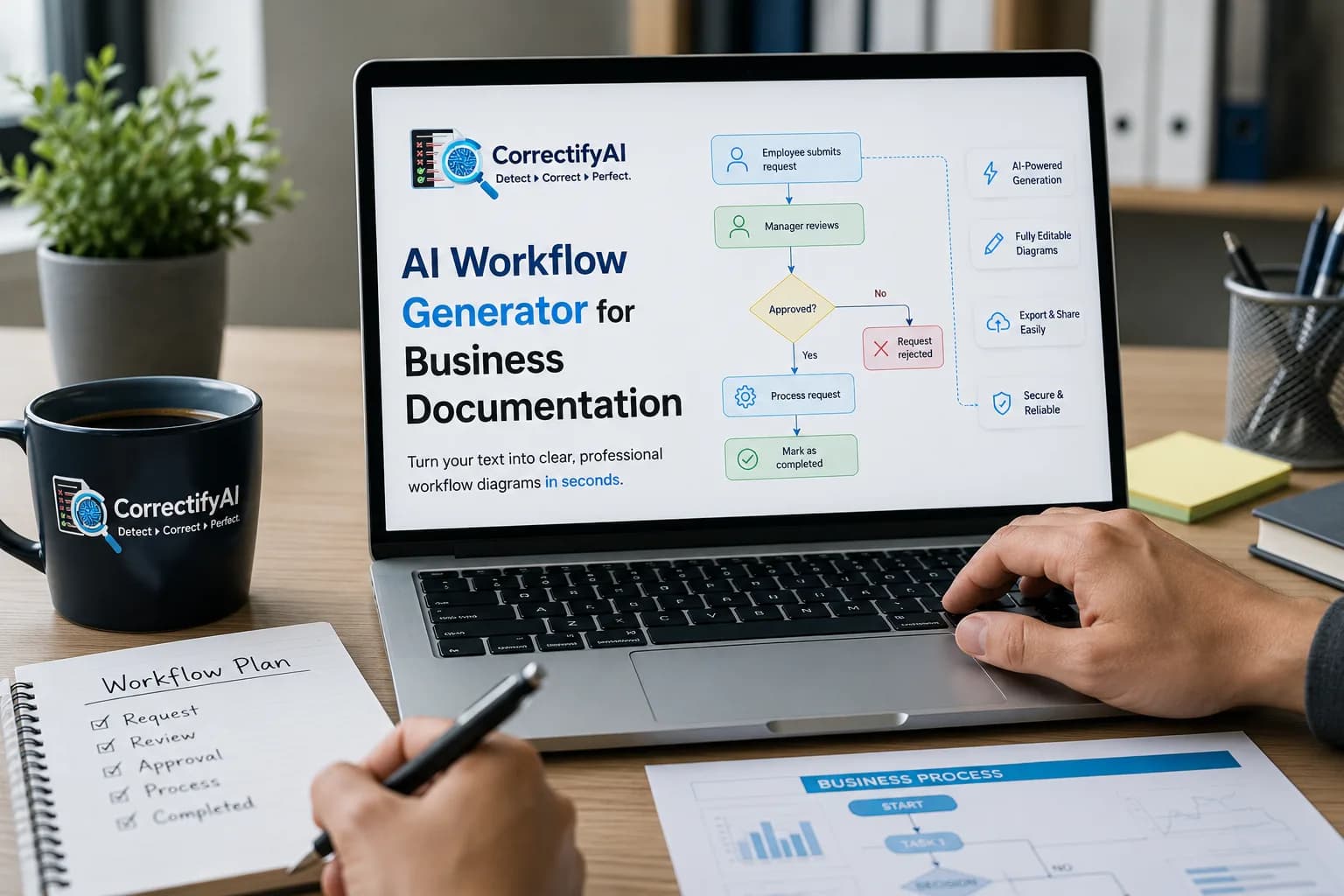
Business documentation is essential for every organization, whether you're onboarding new employees, documenting standard operating procedures (SOPs), mapping customer journeys, or designing internal approval processes. However, creating workflow documents manually can be time-consuming and difficult to maintain.
An AI workflow generator simplifies this process by transforming written instructions into structured workflow diagrams within seconds. Instead of spending hours designing flowcharts manually, teams can focus on improving their processes while AI handles the visualization.
Whether you're a project manager, business analyst, software developer, HR professional, or operations team member, AI-powered workflow generation helps create clear, consistent, and professional documentation faster than ever before.
What Is an AI Workflow Generator?
An AI workflow generator is a tool that converts plain text, process descriptions, or business requirements into visual workflow diagrams automatically.
Rather than drawing every shape and connector manually, users simply describe a process, and AI generates a structured workflow that is easy to understand and edit.
For example, entering a prompt such as:
"Customer submits order → Payment verification → Inventory check → Shipping → Delivery confirmation"
can instantly become a professional workflow diagram.
This significantly reduces documentation time while improving consistency across teams.
Why Business Documentation Matters
Every successful business relies on accurate documentation to maintain consistency.
Well-documented workflows help organizations:
Standardize business processes
Improve employee onboarding
Reduce human error
Increase operational efficiency
Simplify compliance requirements
Improve collaboration between departments
Speed up training
Maintain process transparency
Without proper documentation, businesses often experience communication gaps, duplicated work, and inconsistent execution.
Benefits of Using an AI Workflow Generator
1. Saves Hours of Manual Work
Creating workflow diagrams manually using traditional software requires dragging shapes, connecting arrows, adjusting layouts, and formatting labels.
AI automates these repetitive tasks, allowing users to generate professional workflows in minutes instead of hours.
2. Improves Documentation Accuracy
Manual documentation often leads to missing steps or inconsistent formatting.
AI helps organize processes logically while ensuring every stage is represented clearly.
3. Makes Complex Processes Easy to Understand
Large organizations often have complicated approval systems, reporting structures, and operational workflows.
Visual diagrams simplify complex information, making it easier for employees and stakeholders to understand how processes work.
4. Enhances Team Collaboration
Workflow diagrams provide a shared visual reference that helps cross-functional teams communicate more effectively.
Everyone - from management to technical teams - can understand the same process without lengthy explanations.
5. Speeds Up Employee Onboarding
New employees learn faster when procedures are presented visually.
Instead of reading lengthy documents, they can quickly understand workflows through clear process diagrams.
Common Business Use Cases
AI workflow generators can support documentation across multiple departments.
Human Resources
Employee onboarding
Recruitment workflows
Leave approval processes
Performance review cycles
Finance
Invoice approval
Expense management
Budget planning
Purchase request workflows
Sales
Lead qualification
CRM workflows
Customer onboarding
Sales pipeline visualization
Customer Support
Ticket handling
Escalation procedures
Complaint resolution
Service request management
IT Operations
Incident management
Software deployment
Change management
Security approval workflows
Best Practices for Workflow Documentation
To create effective workflow documentation:
Keep each workflow focused on one process.
Use clear and simple language.
Identify decision points.
Include responsible teams.
Keep diagrams updated.
Standardize symbols.
Review workflows regularly.
Good documentation evolves with your business.
How AI Makes Workflow Documentation Better
Modern AI understands natural language, making documentation easier than ever.
Instead of learning complex diagram software, users simply describe the process in plain English.
The AI automatically:
Identifies workflow steps
Detects decision points
Organizes logical sequences
Creates structured diagrams
Produces editable workflows
This reduces both documentation time and learning curves.
Choosing the Right AI Workflow Generator
When selecting an AI workflow generator, look for features such as:
Text-to-diagram generation
Editable workflow diagrams
Mermaid diagram support
Export options
Collaboration features
Fast diagram generation
User-friendly interface
Secure document handling
These capabilities ensure your workflow documentation remains scalable as your business grows.
Simplify Workflow Documentation with CorrectifyAI
Businesses no longer need to spend hours manually designing workflows from scratch.
With CorrectifyAI, teams can convert written processes into professional workflow diagrams quickly, making documentation easier to create, update, and share across departments.
Whether you're documenting SOPs, approval processes, customer journeys, or operational procedures, CorrectifyAI helps transform plain text into clear visual workflows that improve collaboration and productivity.
Conclusion
Business documentation is more than just keeping records - it's about creating clarity, improving communication, and ensuring consistent execution across every department.
An AI workflow generator eliminates the complexity of manual diagram creation by turning text into structured workflow diagrams within minutes. Organizations can document processes faster, onboard employees more efficiently, and maintain accurate documentation as operations evolve.
As businesses continue adopting AI-powered productivity tools, workflow automation will become a standard part of modern documentation strategies, helping teams work smarter while saving valuable time.
Frequently Asked Questions
1. What is an AI workflow generator?
An AI workflow generator converts written instructions into visual workflow diagrams automatically, making business documentation faster and easier.
2. Who can use an AI workflow generator?
Business analysts, HR professionals, project managers, developers, operations teams, educators, and consultants can all benefit from AI-generated workflows.
3. Can AI create workflow diagrams from plain text?
Yes. Modern AI tools can analyze plain text descriptions and generate structured workflow diagrams without manual drawing.
4. Why are workflow diagrams important?
Workflow diagrams improve communication, simplify complex processes, reduce errors, and make employee training and documentation more effective.
5. How does CorrectifyAI help with workflow documentation?
CorrectifyAI enables users to convert text into clear, editable workflow diagrams, helping businesses document processes more efficiently and collaborate with greater clarity.